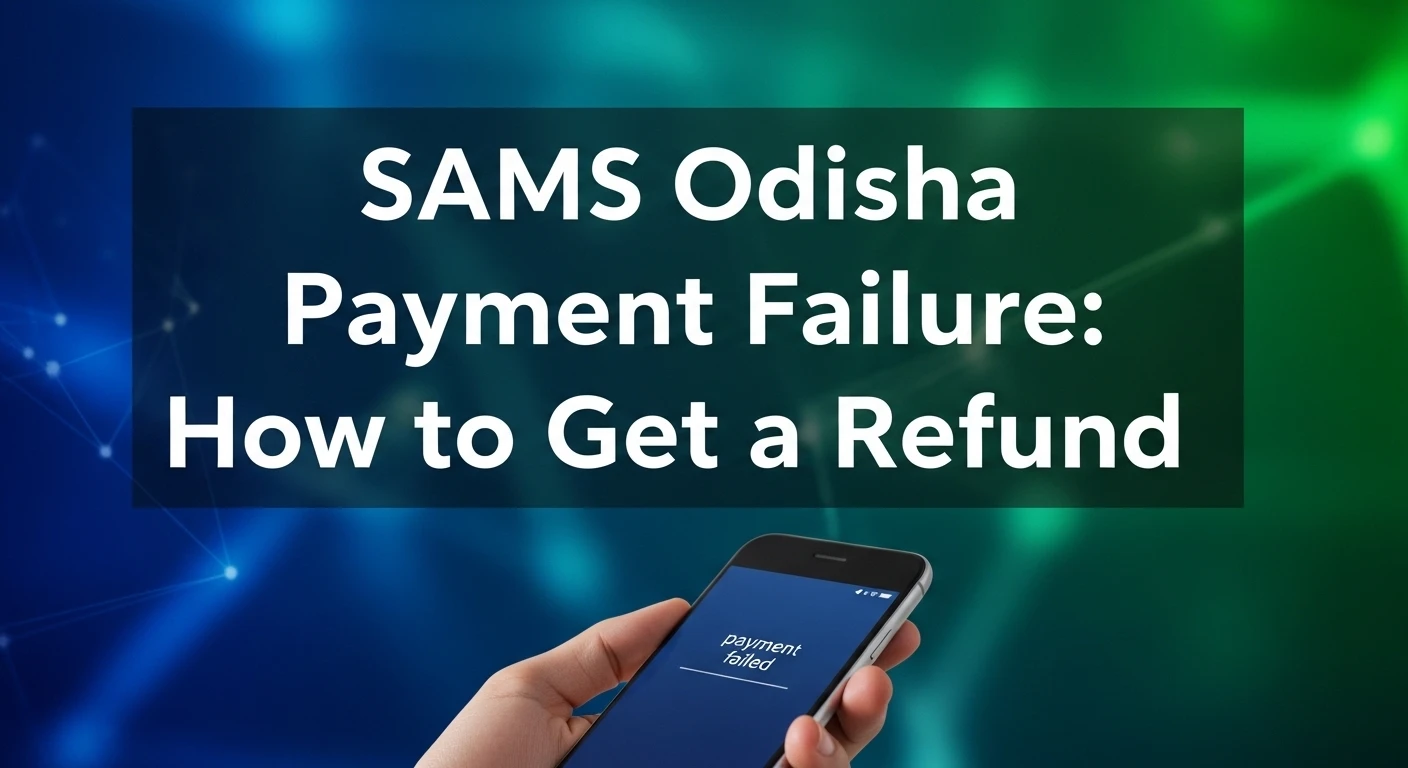
SAMS Odisha Payment Failure: How to Get a Refund
Every student relying on the Student Academic Management System (SAMS) Odisha knows how stressful it can be when a fee payment fails during application or admission. You’re charged, the portal doesn’t reflect the payment, and you’re left confused, worried, and unsure what to do next.
What Is SAMS Odisha and How Does Its Payment System Work?
SAMS Odisha is the Government of Odisha’s official online platform for managing academic admissions across streams like +2 (Higher Secondary), +3 (Undergraduate), PG, ITI, Polytechnic, and other programs. It centralizes applications, merit lists, seat allotments, and payments — all through the official portal (samsodisha.gov.in).
When making a payment on the SAMS portal (for application fees or CAF), you will usually be redirected through a payment gateway (such as SBI ePay) that processes your debit/credit card, net banking, or UPI transaction. If this gateway doesn’t communicate back the status correctly, you may see a “Payment Failed” message even if the bank deducted your money.
Why Do SAMS Odisha Payments Fail? Understanding the Real Causes
There are a few common situations that cause payment confusion:
a. Network or Gateway Timeout
Your internet or the payment server times out before updating SAMS about the result — leading to a deduction without confirmation on the portal.
b. Double Submissions
Sometimes students click “Submit” or “Pay” more than once if the site pauses — which can create multiple deductions.
c. Bank Settlement Delays
Some banks take time to confirm whether the payment is successful, and the SAMS portal may not show it immediately.
d. Technical Glitches
Server slowdowns—especially near deadlines — can interrupt communication between SAMS and the bank.
These situations may leave your money debited, but the portal is still showing failed or pending status.
First, Confirm Your Payment Status
Before you jump into refund requests, you must verify whether SAMS actually received your payment.
Login to Your SAMS Account
Use your credentials on the official SAMS portal to check your dashboard. If payment was successful, you’ll see a payment receipt with details like amount, transaction ID, date, and payment mode.
Cross‑Check Your Bank Statement
Check your bank account—net banking, passbook, or UPI app—to confirm the actual deduction. Sometimes the refund already shows there even before SAMS updates the portal.
Compare Both Records
Match the transaction ID, date, and amount between the SAMS receipt and your bank record. If they match, you may not need a refund—just contact the SAMS helpdesk.
How to Request a Refund from SAMS Odisha
If your bank account shows the amount deducted but the SAMS portal still shows failed or pending, here is the official process most students follow to request a refund:
Collect All Payment Details
Before you write anything or make a request, gather:
- Transaction ID / Reference Number
- Order or Application Number
- Date and Time
- Amount Paid
- Bank/UPI/Payment method
Contact SAMS Odisha Helpdesk
SAMS Odisha provides official support channels you should use for payment issues:
Helpdesk Phone:
- +91 674 2536786 (Office)
- 1800‑345‑6770 (Toll‑Free)
Email Support:
- [email protected]
- helpdesk@sams‑odisha.org
When emailing, include:
- Your full name
- Application/Reference number
- Transaction ID
- Attached screenshots
- Brief explanation of the issue
Use the SAMS Contact Form
Many students find it useful to use the “Contact Us” form on the official SAMS website. This generates a ticket and helps the system track your case professionally.
Bank Complaint (If Needed)
If SAMS confirms no record of payment, you should raise a complaint with your bank or UPI provider. Most banks have an online dispute process (e.g., net banking complaint form). Provide SAMS screenshots and transaction details.
What Happens After You Request a Refund?
Once you submit a refund request with correct details, the process generally follows this sequence:
- SAMS verification team reviews your request.
- They check with the payment gateway logs (e.g., SBI ePay) for proof of non‑receipt.
- If verified as a failed or duplicate transaction, a refund request is initiated.
- The bank or payment gateway then credits your account.
Timeline: Official guidelines indicate refunds may take 15–20 business days depending on your bank and how quickly you provided correct evidence.
Read Also How to Reset SAMS Odisha Password Without Email ➔What If Your Refund Is Not Coming? Escalation Steps
If 20+ days pass without a refund or response:
a. Follow Up with SAMS
Reply to your original email thread or call again citing your earlier ticket.
b. Contact Bank/UPI Customer Support
Ask the bank to escalate your dispute. Banks often have escalation hierarchies for unresolved complaints.
c. Visit a Nearby SAMS Support Centre
If you still struggle, visit a SAMS help centre (Cyber café / Jana Seva Kendra) and request assistance in person.
Tips to Avoid Payment Failures in the Future
While SAMS does a credible job handling admissions, payment issues happen due to timing, connectivity, or user error. Here’s how to minimize them:
- Use a stable network: Avoid mobile hotspots during payment.
- Wait before refreshing: If the portal pauses after payment, wait at least 3–5 minutes before clicking again.
- Keep screenshots: Always screenshot payment confirmation and bank SMS.
- Avoid multiple attempts quickly: Wait for bank reversal if you see a failure message.
FAQs
My money was deducted, but SAMS still says “Failed.” Will my money come back?
Yes—in most cases the bank automatically reverses failed transactions. If not, you need to notify SAMS with your transaction proof.
How long does a refund take from SAMS?
Typically 15–20 business days—sometimes quicker depending on your bank’s settlement cycles.
Can I re‑submit the application before the refund?
Not recommended — wait for a clear status or refund confirmation to avoid double fees.
I paid twice by mistake. What do I do?
Email SAMS with both transaction IDs and request a refund for the extra payment.
Conclusion: Stay Calm and Follow the Correct Path
Facing a payment failure when applying for your academic future can be stressful—but it’s resolvable if you approach it with clear steps:
- Verify the payment in both SAMS and your bank
- Document everything
- Contact the official SAMS support channels
- Follow up and escalate if necessary
By staying organized and using the official avenues, you maximize your chances of a fast refund and a smooth continuation of your admissions process.